
https://www.mindsetmanage.com/engage-reports/overview-reports
Engage REPORTS enables you to create custom survey and assessment reports with your own branding and logos, and to apply rule-based logic to survey and assessment data. You can include contextual insights, learning content and dynamic images in your reports. Consultants can use it to package assessments and surveys with their custom questionnaires and reports, and license them through the Engage EX platform, with guaranteed protection of their intellectual property. The Engage REPORTS product:
- Allows clients to create custom assessment and 360 multi-rater reports with their own branding, color schemes, logos and images for assessees, coaches and consultants.
- Permits managers at all levels of the organisation to identify trends, patterns and opportunities at team, business unit and organizational level with advanced, aggregate reports;
- Interprets survey and assessment responses with automated, rule-based logic to include contextual recommendations, coaching advice, or dynamic images and diagrams in custom reports;
- Uses cohort reports to combine and compare the assessment results of cohort and team members, and to compare cohort averages against the organizational benchmark;
- Adapts assessment and survey reports to reflect an organization’s HR practices and culture, and embed contextual learning content and links to online resources in individual, team-level and organizational reports;
- Permits viewing of all reports, instantly, online via the Engage EX platform, and the creation of PDF versions of any report at the touch of a button.
Engage REPORTS Sub-menu items
| 1 |  ⇒ ⇒ |
Create and manage your custom reports. |
| 2 |  ⇒ ⇒ |
Design, modify and publish custom reports. |
Related Engage How-to Videos
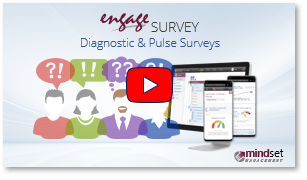 |
| (5.30 minute YouTube video) Introduction to Engage Survey An introduction and overview of Engage Survey – your gateway to engagement and inclusion as an organizational way of life |
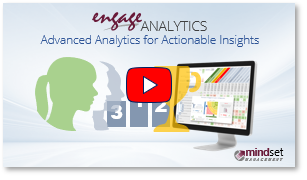 |
| (7.46 minute YouTube video) Introduction to Engage Analytics An overview of Engage Analytics – your advanced, drill-down analytics dashboard for actionable insights |
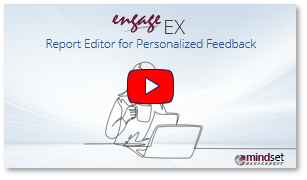 |
| (3.58 minute YouTube video) Engage EX Report Editor An introduction and overview of the Engage EX platform’s powerful report editor module for personalized feedback and assessments |
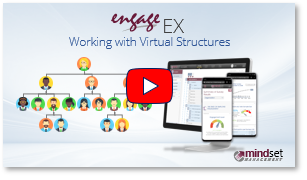 |
| (5.54 minute YouTube video) Working with Virtual Structures Administer and analyze surveys and assessments via alternate hybrid and virtual organizational structures |
| For more information, click on a sub-menu item at the top of the page⇑ or in the right margin⇒ |