

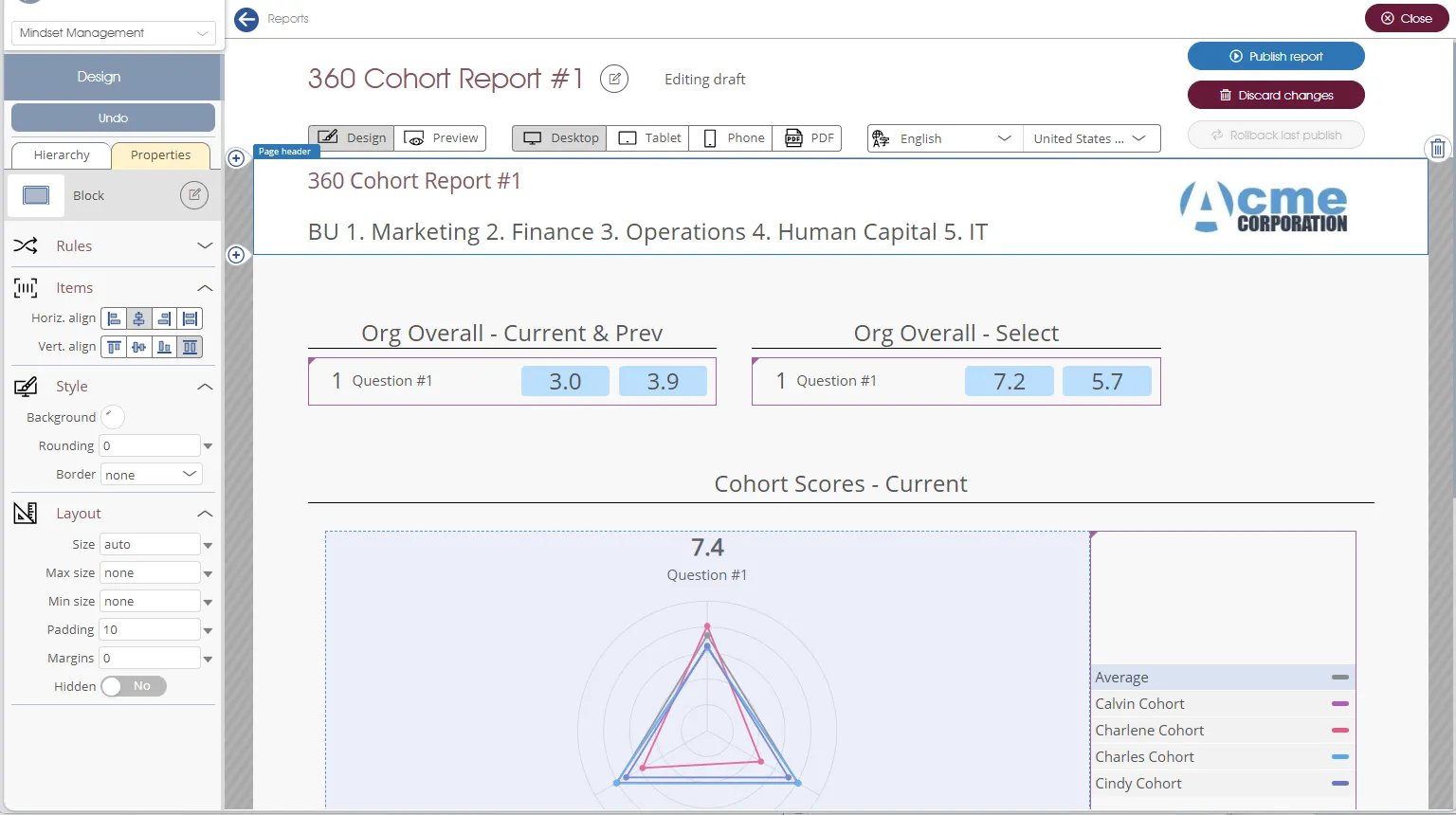
The Design menu item is the heavy lifter of Engage REPORTS. Its various sub-menus, toolboxes and buttons enable you to create any number of reports in a variety of formats, visual aspects and complexities.
Reports
- Report Type – all reports are of either Personal or Analytics report type.
- Analytics reports are viewed via Engage ANALYTICS or Engage INSIGHTS. They are defined in the Analytics reports setting when associated with a survey or an assessment.
- Personal reports are viewed via Engage PERSONAL or directly following survey completion. When associated with a survey they are defined in the Personal feedback reports setting. Personal reports associated with 360 multi-rater assessments are defined in the Assessee reports and Practitioner/manager reports settings.
- Report Status – reports have a status of either Published - can be viewed by the client, or Editing draft. Reports in the latter status are in the process of being edited, ie, at least some changes in the report definition are not viewable by the client.
- +New button – click the button to create a new report definition from scratch.
Templates
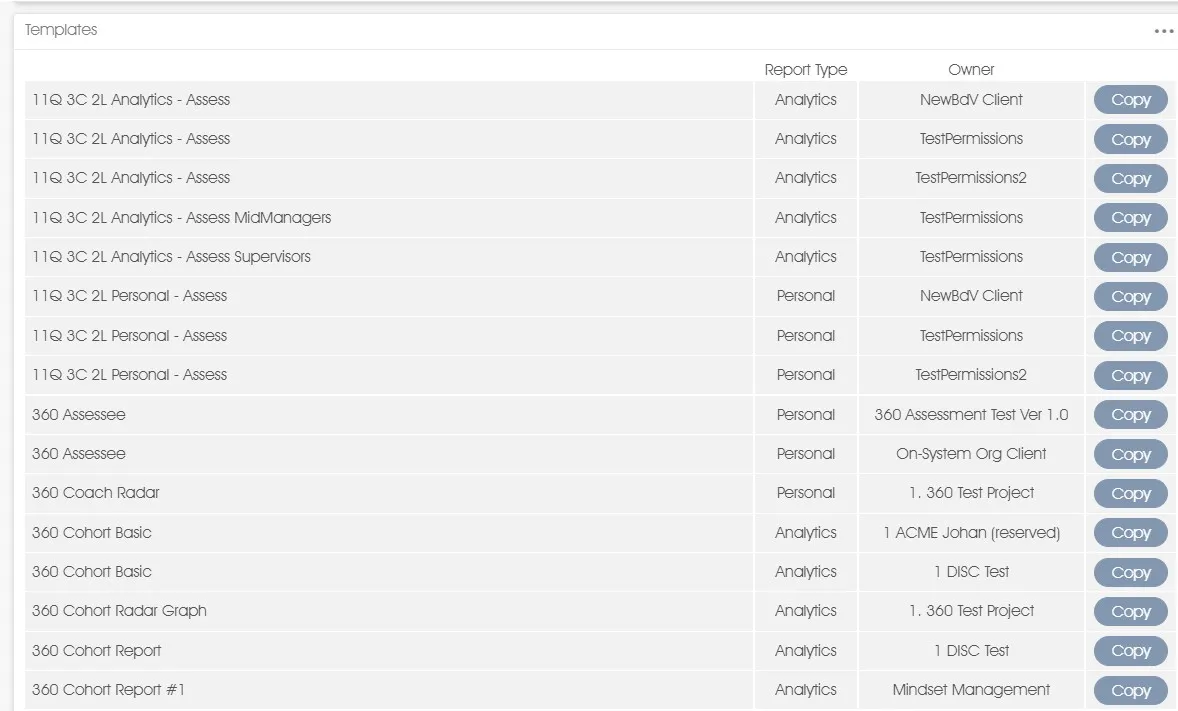
Templates are ready-to-use report definitions provided by Mindset and its Partners, which may be used as the basis for new reports. Templates can be copied and used as-is or they can be customized and changed to reflect the client's needs.
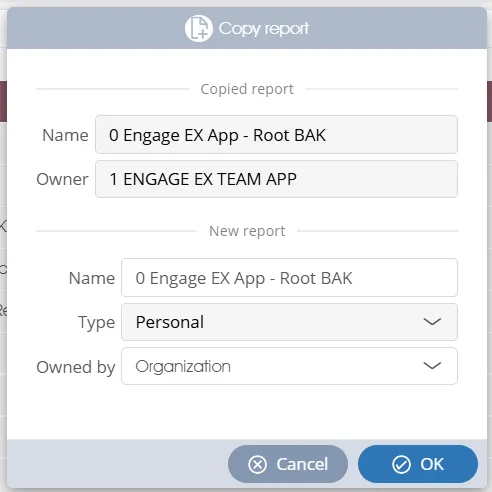
To create a report based on a template, simply select a template from the list and click on the Copy button. A dialogue window will open and into it enter a name for the new report and a business unit owner from the Business Unit dropdown. Please note that you cannot modify the report type.
| For more information, click on a sub-menu item at the top of the page⇑ or in the right margin⇒ |